Wireless RGB Gaming Headset: 3 Mic Modes, Clear Chat
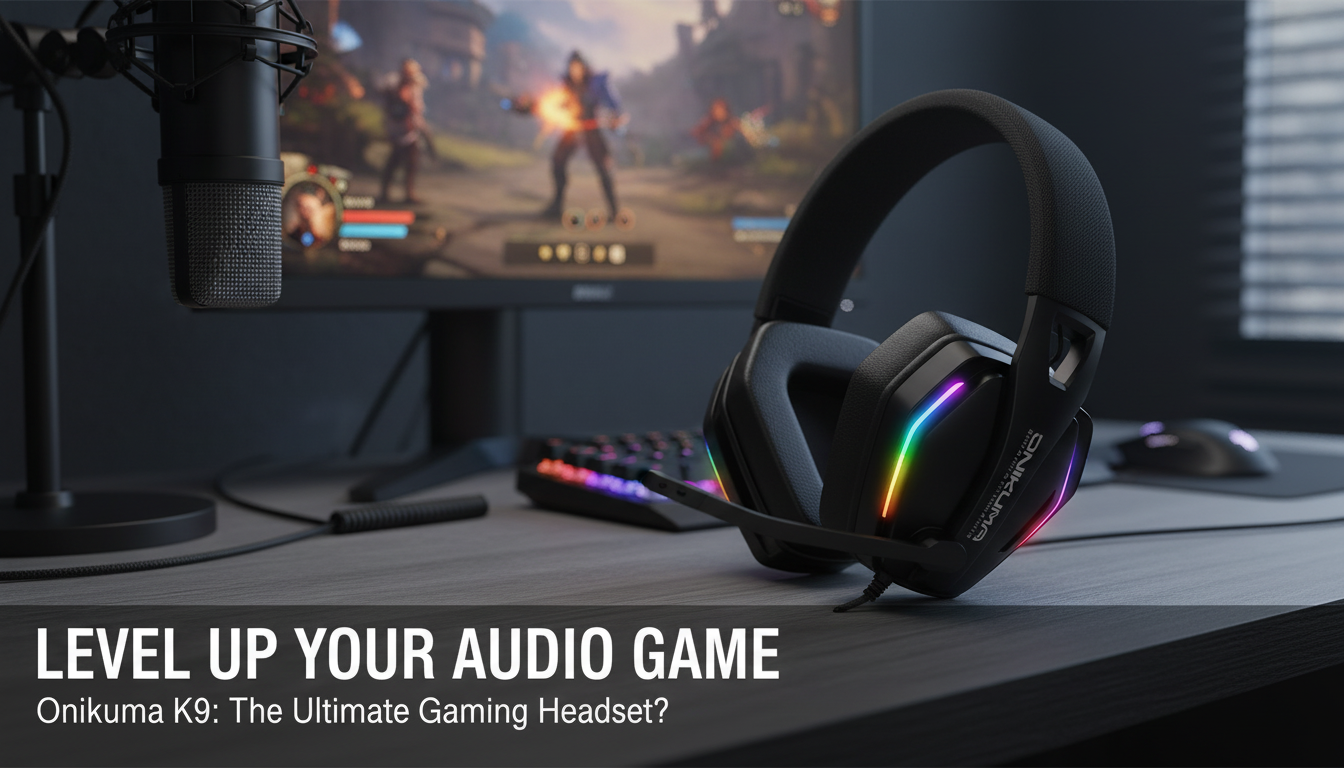
Wireless Gaming Headset with RGB Lighting and Adjustable Mic (3 Modes): Clean Setup, Clear Comms
A wireless headset can make a gaming setup feel instantly less cluttered—no cable snagging on chair arms, no cord draped across the desk, and no quick disconnects mid-match. This wireless gaming headset adds RGB lighting for a more immersive look, plus an adjustable microphone with three modes that are meant to switch fast between competitive voice chat, streaming-style voice, and everyday calls.
What Stands Out
- Wireless freedom for desk, couch, and travel gaming sessions—especially helpful when you shift between PC and console seating.
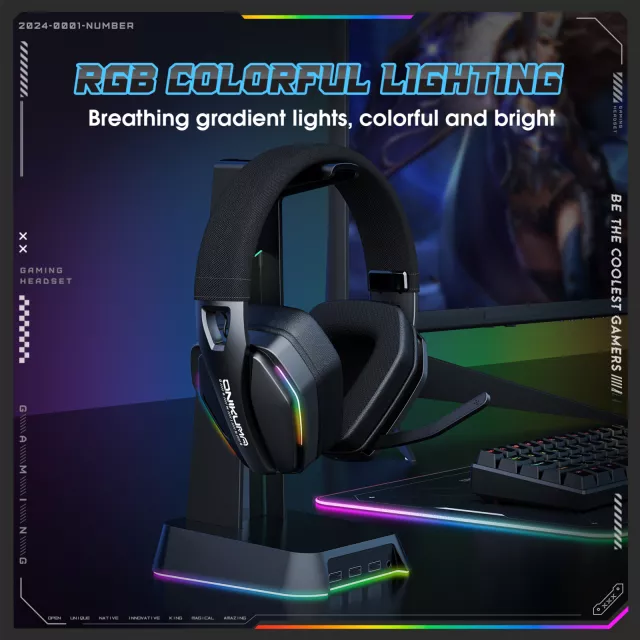
- RGB lighting that helps the headset stand out in a themed setup and makes it easier to spot on a darker desk or shelf.
- Adjustable microphone with 3 modes to better match different voice scenarios (team comms vs. streaming vs. casual calls).
- Useful beyond gaming for multiplayer chat, casual listening, and late-night play when clear communication matters.
- Budget-friendly entry point for anyone building an RGB wireless headset setup without jumping to premium pricing.
Microphone Modes and When to Use Them
Three mic modes work best when treated like quick “scenes.” Instead of constantly changing settings, pick the mode that fits what you’re doing and keep the mic placement consistent.
- For team chat: prioritize clarity and consistent volume. Position the mic about a finger-width from the corner of your mouth, angled slightly off-axis to reduce breath noise and harsh “S” sounds.
- For streaming/recording: move the mic a bit farther away and keep the angle repeatable so your voice doesn’t change between sessions. Before going live, test a few “P” and “B” words for plosives.
- For calls or mixed use: choose the most natural-sounding mode and reduce background noise the easy way—turn off nearby fans or move the mic away from direct airflow.
- If teammates hear echo: lower headphone volume slightly and reposition the mic so it’s less likely to pick up sound leaking from the earcups.
Quick Guide to Mic Setup
| Use case | Suggested mic position | Quick check before playing |
|---|---|---|
| Competitive team chat | Near mouth corner, slightly off-axis | Say a few words and confirm no clipping/peaking |
| Streaming/recording | A bit farther, stable angle | Test plosives (“P”, “B”) and adjust distance |
| Calls/everyday | Comfort-first, moderate distance | Confirm background noise is acceptable |
Wireless Performance Basics
Most “wireless problems” come down to interference or poor receiver placement. A few small adjustments can make a big difference in stability and perceived latency.
- Reduce interference: keep the receiver away from busy USB 3.0 hubs, external hard drives, and crowded Wi‑Fi devices when possible. The FCC notes that interference can affect wireless devices, and physical placement is often the simplest fix.
- Improve line-of-sight: for PC and console setups, a front-facing USB port (or a short extension) can help keep the signal unobstructed.
- If you hear crackles or dropouts: move closer, remove barriers, and avoid placing the dongle behind a metal PC case or directly behind a TV.
- Prioritize consistency over max range: for fast games, a stable connection at a comfortable distance usually feels better than pushing range limits.
For more background on wireless interference and troubleshooting, see the FCC Consumer Guide: Interference and Wireless Devices. If your headset also supports Bluetooth connections, the Bluetooth Core Specification is a helpful reference for how Bluetooth devices share the airwaves.
RGB Lighting: Practical Benefits Beyond Looks
- Setup matching: RGB helps coordinate the headset with an RGB keyboard, mouse, or PC case lighting without extra accessories.
- Easy to find: lighting can make the headset easier to spot on a dark desk or in a dim streaming room.
- Battery-conscious play: lighting typically draws extra power. If battery life matters, lower brightness or disable lighting during longer sessions (when supported by onboard controls).
- Reduce reflections: if glossy surfaces catch the glow in your peripheral vision, angle those surfaces away from the lit zones.
Comfort and Fit for Longer Sessions
Comfort isn’t just about softness—fit affects audio, too. A good seal can improve perceived bass response and make in-game cues (footsteps, reloads, directional effects) easier to place.
For safer listening habits during long sessions, the NIOSH guidance on preventing hearing loss is a solid resource—keeping volume moderate can reduce fatigue and make voice chat clearer.
Everyday Use Tips: From Game Night to Calls
Wireless Gaming Headset with RGB Lighting and Adjustable Mic, 3 Modes (Product Details)
At-a-Glance
| Item | Details |
|---|---|
| Product | Wireless Gaming Headset with RGB Lighting and Adjustable Mic, 3 Modes |
| Price | $36.67 USD |
| Availability | In stock |
| SKU | 14:193 |
| MPN | 82355 |
More In-Stock Picks
- Men’s Genuine Leather Cowboy Belt with Copper Buckle for Jeans
- Large Dog Slicker Brush & Comb Set for Doodles, Poodles and Long Coats
- Twin Size Upholstered Bed with LED Lights and Crown Headboard
FAQ
How do the three mic modes help during gaming and streaming?
Different modes can be used as quick profiles—one tuned for clear competitive comms, one for streaming/recording consistency, and one for natural-sounding everyday calls. For best clarity, keep the mic near the corner of your mouth and speak slightly off-axis to reduce breath noise.
Will RGB lighting reduce battery life on a wireless headset?
Yes. Lighting typically increases power draw, so battery life can be longer with RGB dimmed or turned off during extended sessions when the headset supports lighting controls.
What should be checked first if wireless audio starts cutting out?
Start by reducing distance and improving line-of-sight, then try a different USB port (a front port often helps). Move the receiver away from interference sources like USB 3.0 devices and routers, and avoid placing it behind metal surfaces or a TV.















Leave a comment