20W Right-Angle USB-C Cable with LED Halo for Fast Charging
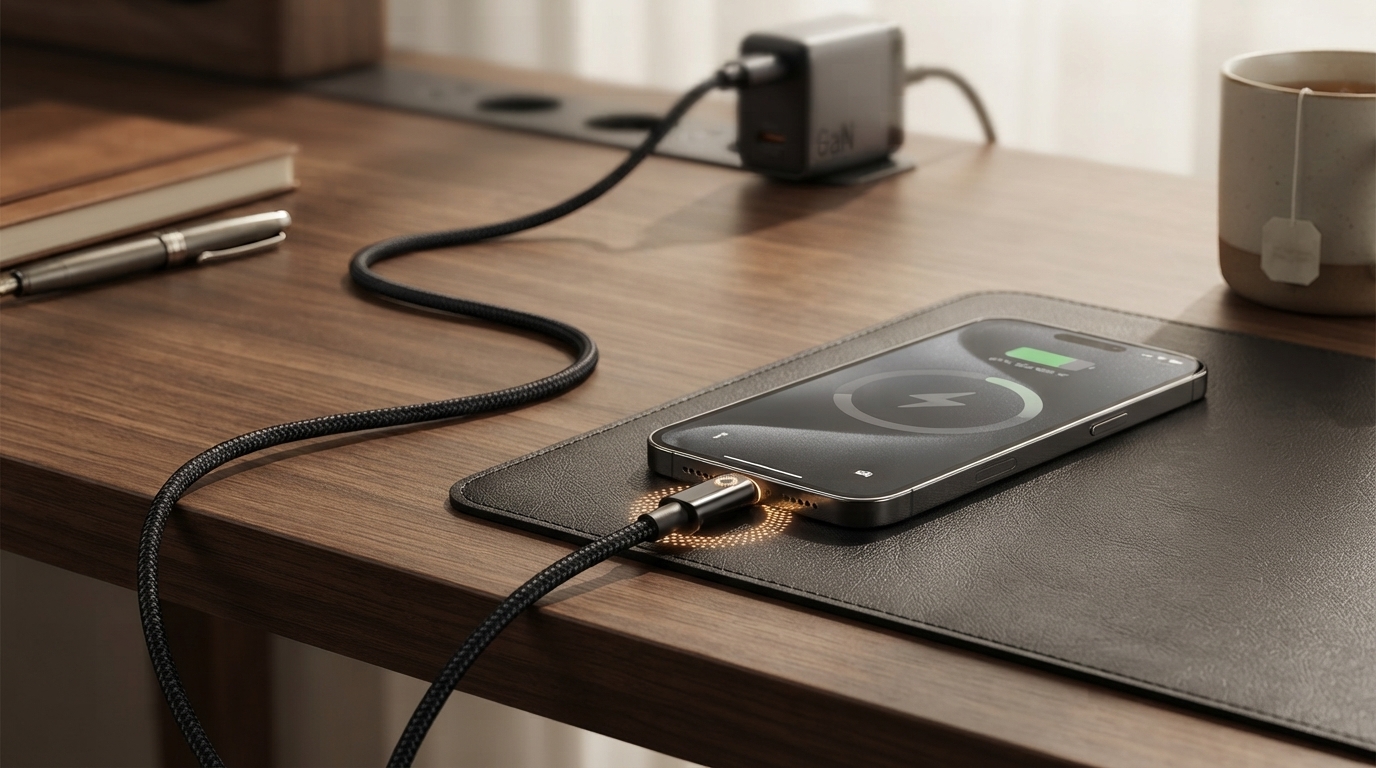
20W Right Angle USB-C Fast Charging Cable with LED Halo Light
A right-angle USB‑C cable keeps the connector out of the way for gaming, streaming, and bedside charging, while a soft LED halo makes the plug easy to find in low light. The combination is simple but surprisingly practical: less awkward cable pressure, easier routing in tight spaces, and fewer “where’s the port?” moments when the room is dark. Below is a clear breakdown of what the 20W rating means, where the right-angle design helps most, and what to check for safe, reliable fast charging with USB‑C devices.
What Makes This Cable Different
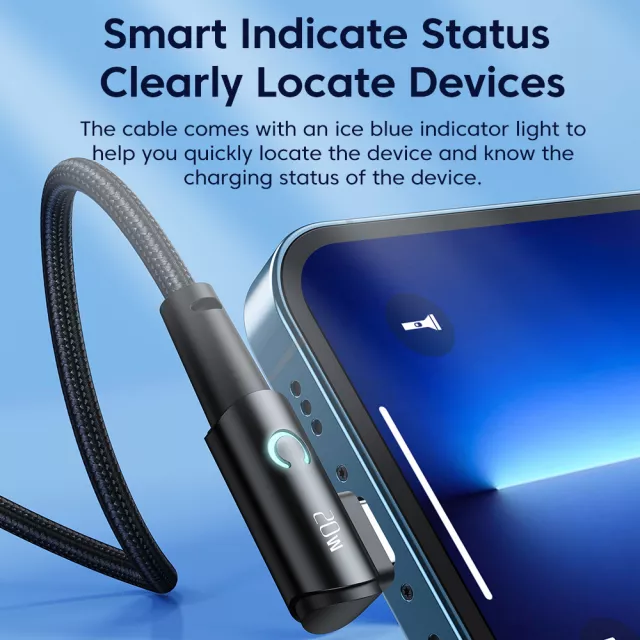
- Right-angle USB‑C connector: The head sits flush to the device edge, which helps the cable run neatly along a phone or tablet instead of jutting straight out. This can reduce bending and leverage at the port in everyday use.
- 20W fast-charging support: Built to handle up to 20 watts when paired with a compatible USB‑C power adapter and a device that supports fast charging.
- LED halo light: A subtle ring of light makes the connector easier to spot under a desk, in a car, or on a nightstand—without turning on a bright overhead light.
- Better for handheld use: Streaming or gaming while charging is more comfortable because the cable doesn’t stick out into your grip.
Everyday Scenarios Where the Right Angle Helps
Bedside charging
The halo is handy when you’re plugging in at night, and the right-angle head helps the cable lie flatter against a nightstand edge. If your device sits close to a wall, the connector also avoids the “hard bend” that can happen with straight plugs.
Car charging
In a car, cable routing matters. A right-angle connector can reduce strain when your phone is on a dash or vent mount, and it tends to tuck better around console edges and cup holders.
Gaming and landscape viewing
When holding a phone sideways, a straight connector can poke your hand or force an uncomfortable grip. A right-angle head keeps your hands clear and reduces side pressure on the charging port while you play or watch videos.
Desk setups and tight workspaces
On a cluttered desk, straight connectors can get bumped more easily. A right-angle design keeps the cable closer to the device, helping reduce accidental knocks that can interrupt charging or loosen a connection over time.
Charging Performance and Compatibility Basics
A “20W cable” is designed to safely support charging power up to 20 watts—but the real-world speed is always a team effort between three components: your power adapter, your device, and your cable. With USB‑C, charging power is negotiated (often via USB Power Delivery), so the device typically decides what it will draw based on what the adapter offers.
Many modern phones charge in the 18W–20W range with common USB‑C PD adapters, while others can exceed 20W only with specific chargers or proprietary fast-charging modes. If your phone supports more than 20W, this cable can still work well—it just means the cable may become the limiting factor rather than the phone or adapter.
Fast-Charging Checklist (Adapter + Device + Cable)
| Item to check | What to look for | Why it matters |
|---|---|---|
| Power adapter output | USB‑C adapter rated around 20W (or higher) with USB Power Delivery support | The adapter must be able to supply the power your device requests |
| Device capability | Phone/tablet that supports fast charging over USB‑C | The device controls the maximum charging rate |
| Cable condition | Snug fit, no fraying, stable charging when moved | Poor contact increases heat and slows charging |
| Use case | Gaming, bedside, car mount, desk routing | Right-angle head can reduce port stress in tight positions |
For deeper technical references on USB‑C and USB PD behavior, the USB Implementers Forum maintains official resources at usb.org, including a helpful USB Power Delivery overview. If you’re matching adapters for specific devices, manufacturer guidance can also be useful (for example, Apple’s USB‑C adapter information at support.apple.com).
LED Halo Light: Useful Without Being Distracting
The LED halo is designed for practical visibility: it helps you align the connector quickly when the port is hard to see—like a bedside setup, an airplane seat, or the backseat of a car. That small convenience can also reduce repeated “missed insertions,” which is one subtle way ports can get worn down over time.
Durability and Safety Tips for Long-Term Use
Quick Specs and What to Expect Day to Day
In-Stock Picks to Consider
- 20W Right Angle USB-C Fast Charging Cable with LED Halo Light — a space-saving charging cable designed for comfortable handheld use and easier plug-in at night.
- Twin Size Upholstered Bed with LED Lights and Crown Headboard — a bedroom upgrade that pairs nicely with a low-light charging setup near the bed.
FAQ
Will this cable fast charge any USB‑C phone at 20W?
Not necessarily. The cable can support up to 20W, but the actual charging speed depends on your phone’s fast-charging capabilities and the USB‑C power adapter you use; many devices will draw less if that’s their limit.
Does a right-angle USB‑C connector reduce port damage?
It can help by reducing leverage and side pressure in tight spaces, especially when you’re holding the device or routing the cable around furniture. Safe use still matters—avoid yanking, sharp bends, and charging through dirty or loose ports.
Is the LED halo always on while connected?
LED behavior varies by design, but it typically lights when the cable is receiving power. If you charge in a dark room, position the halo away from your eyes and unplug the cable when you don’t need it illuminated.














Leave a comment