Luxury Room AI Templates for Interior Design Visuals
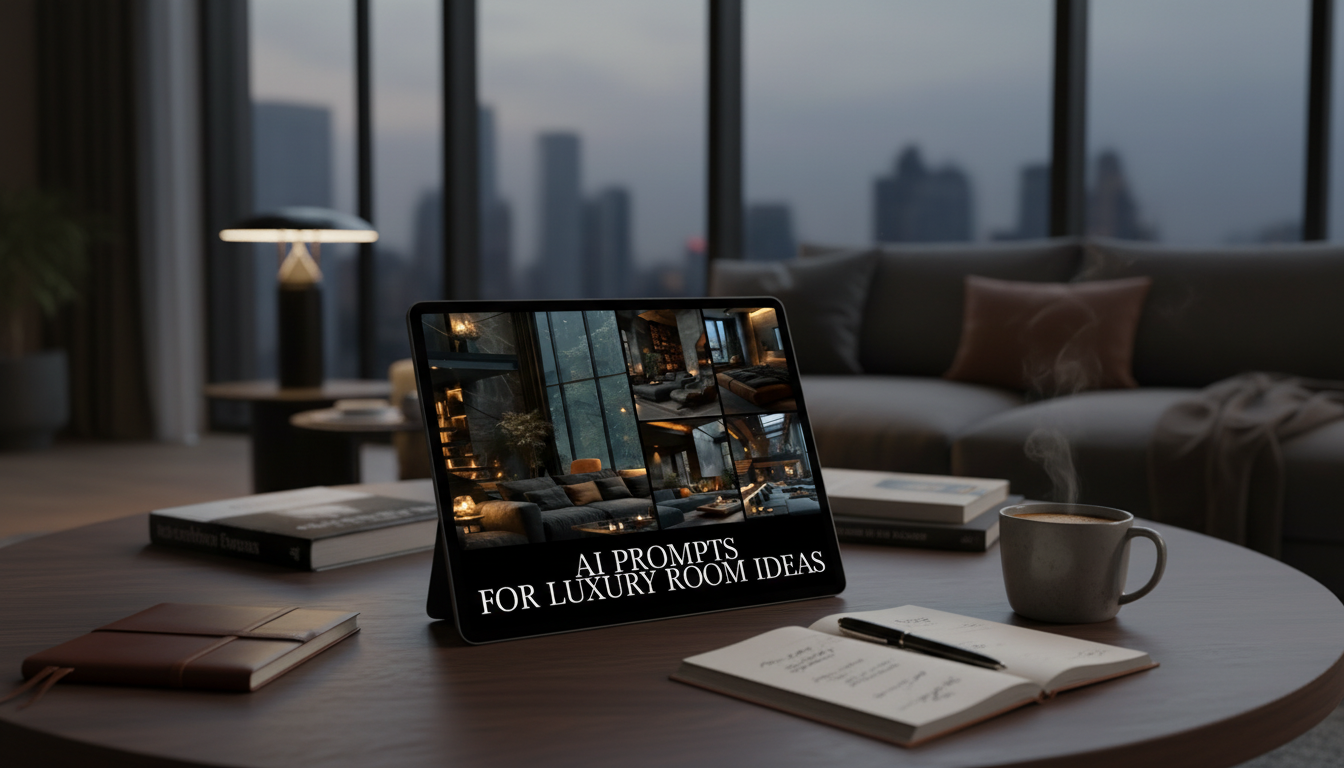
AI Input Templates for Luxury Room Concepts: A Digital Guide for Interior Design Visuals
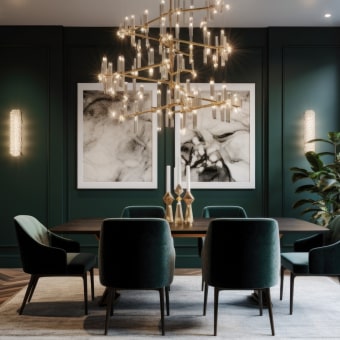
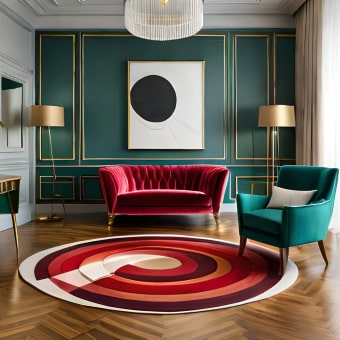
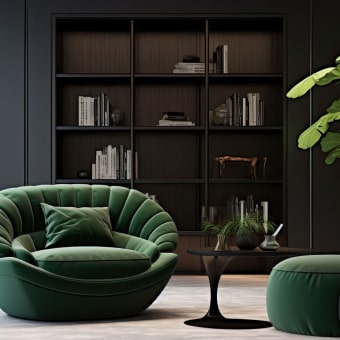
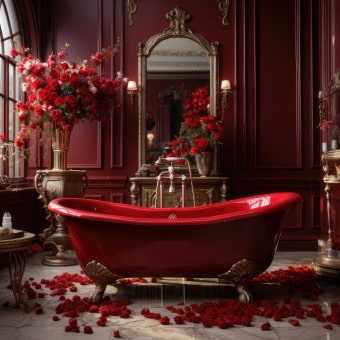
Luxury interiors become easier to plan when ideas are structured, repeatable, and fast to visualize. Instead of reinventing the wheel for every room, AI input templates give you a consistent format for describing materials, lighting, composition, and styling—so the results feel refined and cohesive across a whole home. This digital download provides ready-to-use templates and style directions to generate elevated room concepts, mood variations, and décor details for high-end spaces—useful for homeowners, designers, and content creators.
What This Digital Download Helps Create
- Room concepts that feel elevated: balanced proportions, premium finishes, and intentional lighting
- Multiple variations of the same space (materials, palettes, layouts) without starting from scratch
- Clear style direction for living rooms, bedrooms, kitchens, bathrooms, offices, and statement entryways
- Idea generation for décor layers: rugs, drapery, wall treatments, art placement, and accessory styling
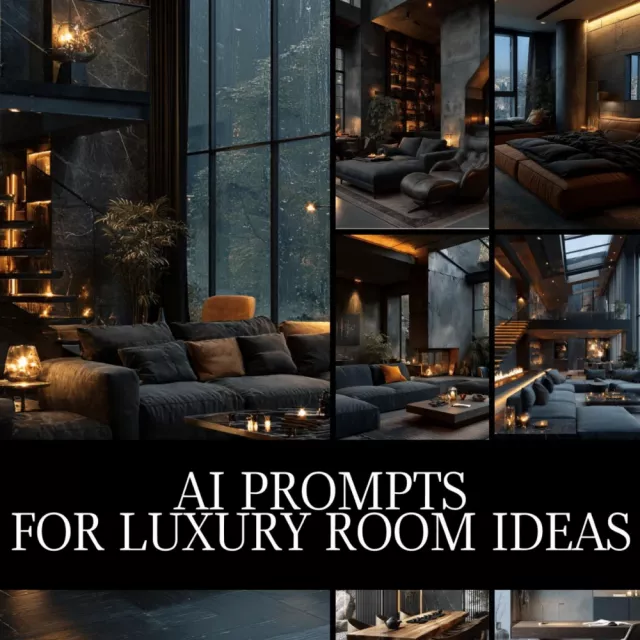
If you’d like a ready-to-use template set designed for polished visuals and strong style language, see the AI Prompts for Luxury Room Ideas | Digital Download Guide for Interior Design, Midjourney & ChatGPT Prompts, Luxury Home Decor Inspiration.
Who It’s For
- Interior designers who want fast concept iterations for presentations and mood exploration
- Homeowners planning renovations who want to compare finishes and layouts visually
- Real estate stagers and short-term rental hosts building a consistent luxury look
- Creators building décor content, lookbooks, or brand visuals with a cohesive aesthetic
How to Use AI Input Templates for High-End Results
- Start with the room type and a clear design direction (modern classic, quiet luxury, contemporary, art deco revival, etc.).
- Specify materials and finishes (calacatta marble, brushed brass, oak fluting, microcement, lacquer, bouclé, mohair).
- Define the lighting story (daylight direction, warm ambient layers, statement fixture type, reflective surfaces).
- Add camera and composition details for visuals (wide-angle balance, eye-level framing, depth, symmetry, negative space).
- Iterate one variable at a time—palette, upholstery, metal finish, millwork profile—to keep comparisons meaningful.
Key Inputs That Influence a Luxury Look
| Input | Examples to Specify | What It Improves |
|---|---|---|
| Materials | marble, walnut, travertine, plaster walls, silk drapery | Perceived quality and realism |
| Palette | warm neutrals, tonal monochrome, jewel accents, high-contrast black/cream | Cohesion and mood |
| Lighting | warm ambient, cove lighting, soft daylight, statement chandelier | Depth and polish |
| Silhouette | curved sofa, tailored channel tufting, low-profile cabinetry | Style clarity |
| Styling | layered textiles, curated objects, art scale, minimal clutter | Editorial finish |
Luxury Room Directions Included
- Living rooms: conversational layouts, sculptural seating, layered lighting, fireplace focal points
- Bedrooms: upholstered headboards, hotel-style bedding layers, integrated nightstands, soft acoustics
- Kitchens: waterfall islands, paneled appliances, stone backsplashes, mixed metals done intentionally
- Bathrooms: spa atmospheres, bookmatched stone, floating vanities, warmth via wood and lighting
- Offices and libraries: built-in shelving, tonal textures, leather + wood combinations, gallery-style art
For a tangible anchor piece while exploring bedroom concepts, an upholstered silhouette can help set the tone; consider the Twin Size Upholstered Bed with LED Lights and Crown Headboard as a reference point for layered textiles, headboard scale, and bedside lighting ideas.
Common Mistakes That Make a Space Look Less Premium
- Overloading a scene with too many statement elements competing for attention
- Mixing metals randomly instead of choosing a primary finish and a controlled accent
- Using flat lighting with no layered sources (ambient + task + accent)
- Ignoring scale: undersized rugs, art that’s too small, lighting that feels out of proportion
- No texture strategy: luxury often comes from contrast (matte plaster vs. polished stone, linen vs. lacquer)
A useful rule: pick one “hero” moment per room (a fireplace surround, a chandelier, a stone island, or a sculptural sofa), then keep surrounding choices quieter but tactile—plaster, linen, oak, and softly reflective metals.
Ways to Turn Concepts into an Actionable Decorating Plan
- Extract a short “spec list” from each concept: wall finish, floor material, key furniture silhouettes, metal finish, and lighting types.
- Build a repeatable palette rule (e.g., 70% warm neutral, 20% wood tone, 10% metal/stone accent).
- Translate visuals into shopping categories: rug size, sofa length, drapery height, coffee table shape, and art scale.
- Use variations to stress-test decisions (swap stone type, change wood tone, adjust contrast) before buying.
When you’re comparing options, keep the “room architecture” consistent and only change one design lever at a time. You’ll see quickly whether the space needs warmer wood, a softer textile, or a more intentional light temperature.
Digital Download Details
- Instant-access resource designed for quick copy, customization, and iteration
- Useful for both text-based ideation and image-generation workflows
- Supports consistent style language across multiple rooms for a cohesive luxury home
For platform-specific guidance on building and refining generations, reference the official OpenAI Documentation and Midjourney Documentation. For foundational context on the discipline itself, Britannica’s overview of interior design is a helpful primer on how space planning, aesthetics, and function work together.
FAQ
Does this work for both image generation and text-based room planning?
Yes. The templates can be used to generate visuals as well as to develop written design direction, including materials, palette, lighting intent, and styling notes you can carry into a spec list.
How can results be made to look more realistic and less “AI”?
Specify lighting (direction and temperature), true-to-life materials and finishes, and camera framing, then keep each iteration focused by changing one variable at a time. Adding constraints for scale, finish sheen, and clutter control also helps results feel more editorial and believable.
Can the templates be adapted to a specific home style or region?
Yes. Swap architectural cues, materials, and color palettes to match coastal, European, modern farmhouse, desert modern, or an urban high-rise—then keep those choices consistent across every room so the home reads as one cohesive story.









Leave a comment