Emotional AI Robot Companion: Features, Setup, Privacy
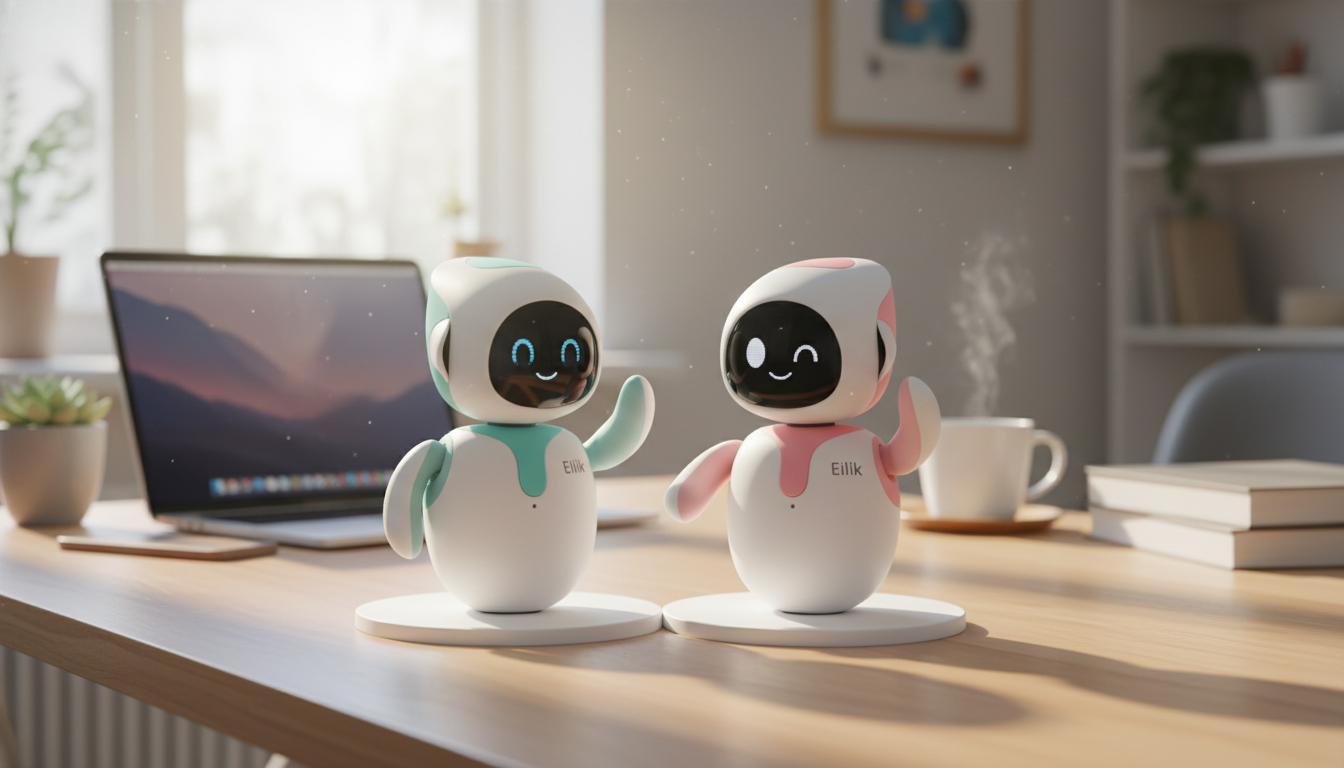
Smart AI Interactive Emotional Robot Companion: A Friendly Tech Partner for Daily Life
A smart emotional robot companion is designed to do more than respond to commands—it reacts to tone, engages with routines, and offers interactive moments that feel surprisingly personal. Whether it’s sitting on a desk during work hours or becoming a shared “family gadget” in the living room, this type of companion robot can add playful structure to everyday life. Below is a practical guide to what it does well, who it fits, and what to check before bringing one into a home, classroom, or workspace.
What an emotional robot companion does day to day
At its best, an emotional-style companion robot creates the feeling of a small relationship loop: you interact, it reacts, and over time you build habits around those moments. The “emotional” element usually comes from expressive cues—movement, sounds, lights, or posture-like behaviors—that make interactions easier to read.
- Responds to voice and interaction cues to create a conversational routine
- Uses expressive behaviors (movement, sounds, reactions) to signal “moods” and engagement
- Helps structure habits like reminders, check-ins, and light entertainment
- Encourages social interaction for households that want a playful, low-pressure companion
- Works best as a supportive gadget, not a replacement for human connection or professional care
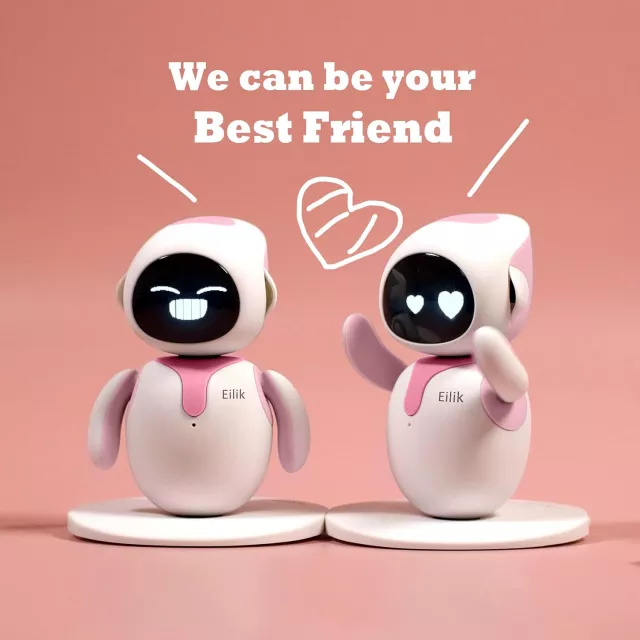
If you’re shopping for a device that feels more “present” than a typical assistant, start by looking at options like the Smart AI Interactive Emotional Robot Companion—then compare how it expresses itself and how easily it fits into daily routines.
Who it’s best for
Emotional companion robots work for people who enjoy interactive tech and want something more engaging than a screen-based toy. They tend to shine in shared spaces and short, repeatable routines (a morning greeting, a quick game after school, a break reminder during study time).
- Families looking for an interactive tech toy with a more “alive” feel than a standard smart speaker
- Adults who enjoy companion-style gadgets for desk time, study sessions, or downtime
- Gift-givers who want a standout present in the advanced tech category
- Educators and hobbyists exploring human-robot interaction and engagement behaviors
- Not ideal for anyone expecting clinical mental-health support or guaranteed emotional outcomes
For parents and classrooms, it can help to ground expectations using kid-focused AI safety guidance such as UNICEF’s Policy Guidance on AI for Children, especially around boundaries and privacy.
Key features to look for before buying
Two companion robots can look similar online but feel totally different after a week. The difference is usually in interaction variety, clarity of expression, and how easy it is to manage settings.
- Interaction modes: voice, touch/buttons, motion/gesture responses, and how varied reactions feel over time
- Emotional expression: how it signals “happy/curious/concerned” states (sound, movement, light cues)
- Companion routines: reminders, games, storytelling, prompts for breaks, or simple daily check-ins
- Setup and control: app support (if any), pairing steps, and ease of managing settings
- Power and charging: typical runtime, charging method, and whether it’s designed for always-on use
- Privacy basics: microphones/sensors, data handling, and whether settings allow limiting recordings or connectivity
| What to check | Why it matters | Good fit if you want |
|---|---|---|
| Interaction variety | Prevents the experience from feeling repetitive | More dynamic reactions and longer-term novelty |
| Emotion signals | Makes responses feel more intuitive and engaging | Clear expressive cues (sound/light/motion) |
| Routine helpers | Adds everyday usefulness beyond entertainment | Reminders, prompts, and structured play |
| Setup & controls | Reduces friction for families and non-tech users | Simple onboarding and accessible settings |
| Power/charging | Impacts how often it can be used without interruption | Longer sessions and easy charging |
| Privacy controls | Supports comfort with microphones/sensors at home | Configurable permissions and transparency |
When comparing privacy and data-handling language, it helps to reference a neutral standard like the NIST Privacy Framework for the kinds of controls and transparency that matter most.
Unboxing, setup, and first-week tips
The first week is where most “love it or return it” decisions happen. The goal is to avoid a noisy setup, explore different interaction types, and build one small ritual that makes the robot feel like part of the space.
If you’re buying as a gift, pairing the “tech wow” factor with something practical for the recipient’s space can make it feel more complete—like a bedroom upgrade such as the Twin Size Upholstered Bed with LED Lights and Crown Headboard for a kid’s or teen’s room setup.
Care, maintenance, and longevity
For a broader view of responsible design and human-centered technology, the IEEE Ethically Aligned Design overview offers useful context for thinking about trust, transparency, and user wellbeing.
What to expect (and what not to expect)
For shoppers building a gift bundle, a small add-on that feels “premium” can complement the main tech gift—like the Men’s Genuine Leather Cowboy Belt with Copper Buckle for Jeans for someone who appreciates standout accessories.
FAQ
Does an emotional robot companion work without Wi‑Fi?
Some basic interactions may work offline, but cloud-based features (like advanced voice processing) and software updates often require Wi‑Fi. Check the connectivity requirements and confirm whether you can limit recordings or online access in the device settings.
Is it suitable for kids and families?
It can be a great shared gadget with supervision and clear boundaries, especially around what topics are off-limits and what personal information should never be shared. It’s best treated as a companion device, not a caregiver or authority figure.
How is it different from a smart speaker?
A companion robot typically adds embodied interaction—movement, expressive cues, and playful behaviors—so it feels more like a “character” in the room. A smart speaker is usually more utility-driven and focused on voice commands rather than emotional-style responses.














Leave a comment